Fresh from Shipaton

Stash: Save & Reuse
Stash keeps your text, code, links, images, and files in one place.
Loading activity…
2026Shipaton
CategoryProductivity
DeveloperVladimir Panchenko
iPhone · iPad




About this app
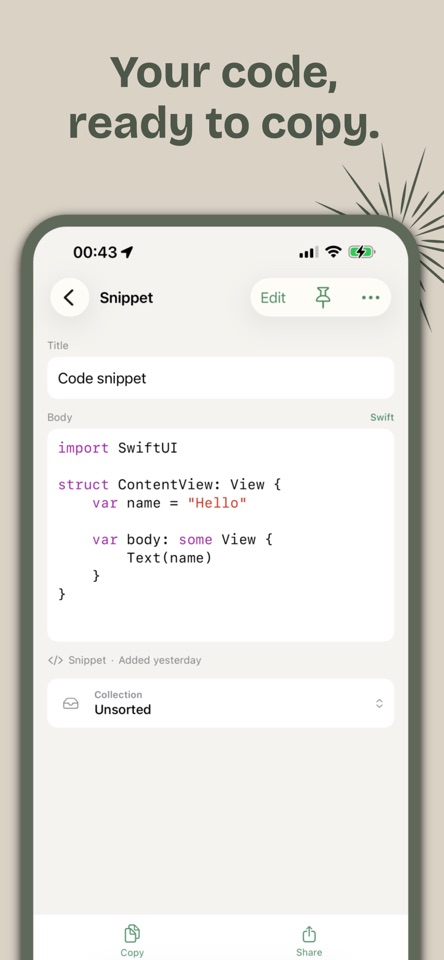
Stash keeps your text, code, links, images, and files in one place. Save something useful, organize it into a collection, and find it when you need it again. SAVE FROM OTHER APPS Send links, text, images, and files to Stash through the share sheet. You can also add items directly in the app. KEEP CODE READABLE Save code snippets with syntax highlighting and automatic language detection. FIND WHAT YOU SAVED Search item titles, text content, notes, web addresses, and file names. Filter your library by Text, Links, Images, or Files to narrow things down. ORGANIZE YOUR WAY Group items into collections by project, topic, or task. Pin frequently used items at the top of your library, and sort by name, date added, or last used. READ TEXT IN IMAGES Stash automatically recognizes text in saved images on your device. View and copy it from the image’s details. COPY, OPEN, AND SHARE Copy saved content with a tap, open links in your browser, preview supported files, or share items with another app. Duplicate an item when you need a starting point. YOUR CONTENT STAYS ON YOUR DEVICE No account required. Your saved text, images, files, and collections are stored locally. Text recognition and library search run on your device. FREE TO START Save up to 10 items and create 1 collection for free. Upgrade to Stash Premium for unlimited items and collections. FEATURES • Save text, code, links, images, and files • Add content through the share sheet • Syntax highlighting and automatic language detection • On-device text recognition for images • Search, type filters, and sorting • Collections and pinned items • Copy, share, and duplicate • Light, dark, and system themes Stash Premium is available as a monthly or annual auto-renewing subscription. Payment is charged to your Apple ID at confirmation of purchase. The subscription renews automatically unless canceled at least 24 hours before the end of the current period. You can manage or cancel it in your Apple ID account settings. Terms of Use: https://vpappstore.github.io/stash_legal_vp/terms.html Privacy Policy: https://vpappstore.github.io/stash_legal_vp/privacy.html


