Fresh from Shipaton

SpecDock: AI Markdown Review
Review the specs your AI wrote on iPhone or iPad.
Loading activity…
2026Shipaton
CategoryDeveloper Tools
DeveloperOkaizumi Koki
iPhone · iPad



About this app
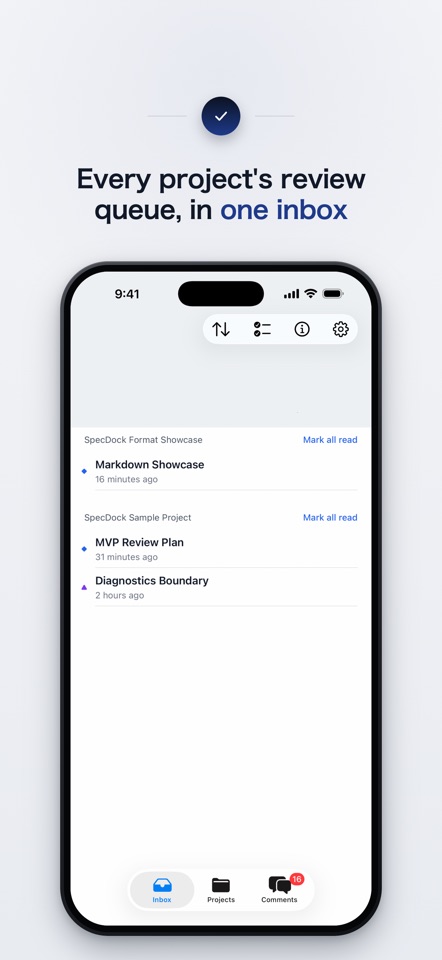
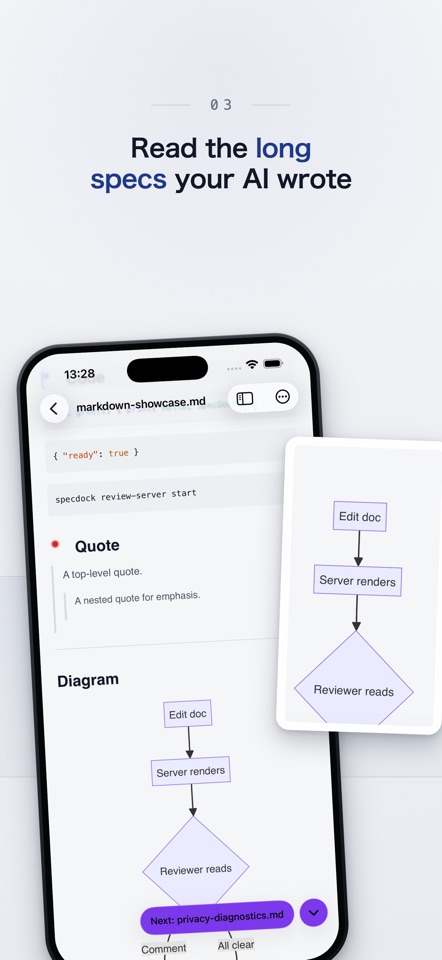
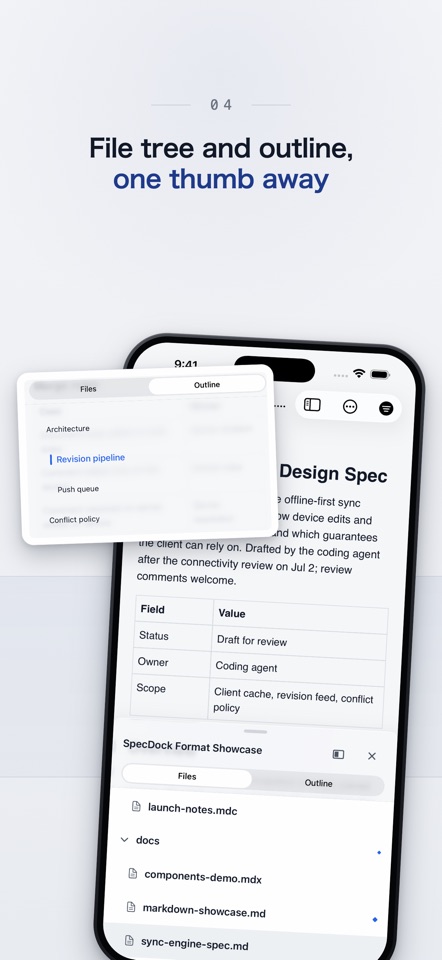
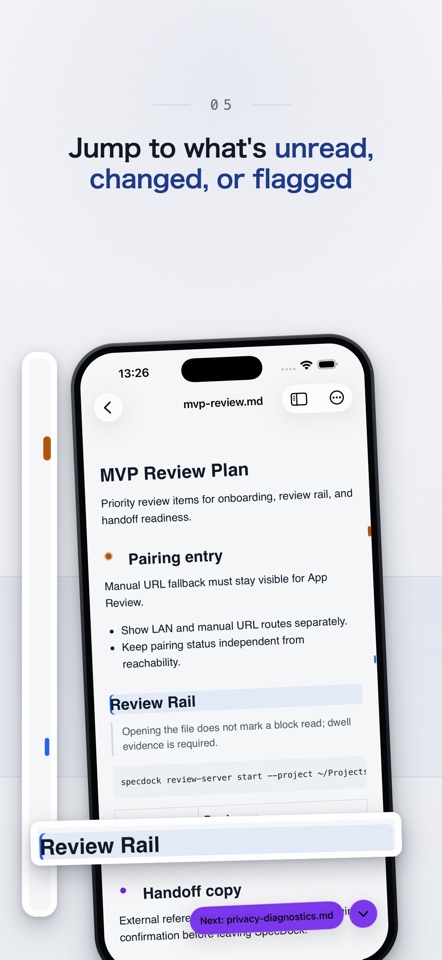
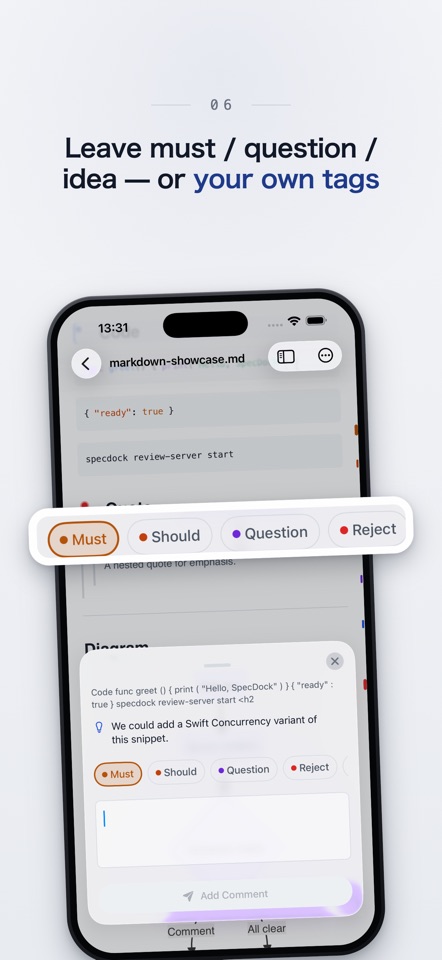
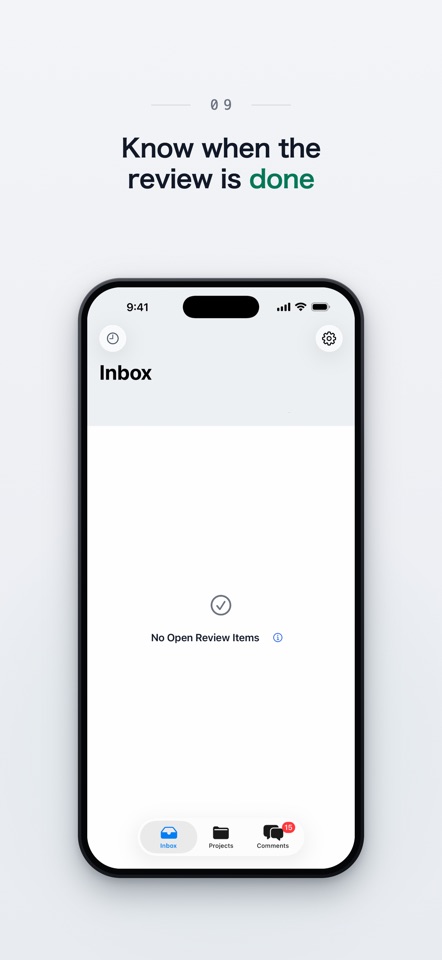
Review the specs your AI wrote on iPhone or iPad. Messages from the agent arrive in the same place. SpecDock shows you what the AI coding agent on your Mac writes — specs, plans, design notes, handoff docs — on your iPhone or iPad, and lets you leave comments where something needs a decision. Those comments become a file your coding agent picks up through a skill. The other way around, the agent can leave context on a passage, put a running screen in front of you, or ask you to read one document, with a reason. WHY SPECDOCK AI specs and plans run long. Every time you spot something, you end up re-explaining where it is in chat. In SpecDock you leave a comment where you noticed it. Back at the Mac, a skill reads it for the agent, so it goes straight into a fix or a reply. While you are away, the agent has only chat for anything you need to know, look at, or decide. Messages sink into the log, or they interrupt and stop the work. SpecDock leaves them where you will see them when you open the app. HOW IT WORKS 1. Run one command on your Mac to add the project you want to review (it's free). 2. Open SpecDock on your iPhone or iPad. Its Inbox lists what needs review and what your agent sent, across every project. 3. Comment wherever something needs fixing or a question answered. 4. On the Mac, your coding agent loads a skill and picks the review up. FEATURES • Review Inbox — every project's unread, changed, must-fix, and handoff-ready items in one place. • Document reader — specs, plans, HTML, config files, and more, rendered for comfortable reading on iPhone or iPad. Tables, code, and Mermaid diagrams too. • Review Rail — a thin rail beside the text. Drag it and heading names appear, so you can jump anywhere in a long document. It also shows what's unread, changed, or flagged. • Comment in place — tap what caught your eye and tag it Must, Should, Question, Reject, or Idea. • Messages from your agent — a document to read, context left on a passage, a screen to look at, each with a reason. • Agent Handoff — turn your review into a file your coding agent reads next. • Offline review — read and comment without a connection; sync when you're back. • English and Japanese. One command, specdock agent-setup, writes a short block into your project's AGENTS.md and CLAUDE.md and points the agent at the skills for sending messages and picking up reviews. Works with AI coding agents like Claude Code, Codex, and Cursor. FREE & PRO Start free with one project — full reading, inbox, and comments. Go Pro to work across multiple projects, with Agent Handoff, comment groups, and custom tags. Pro is $3.99/month, $19.99/year, or $39.99 once. WHAT YOU NEED SpecDock reviews documents in projects on your Mac, so it works with a Mac running the SpecDock server on your own network. Your documents stay between your Mac and your iPhone or iPad — SpecDock doesn't host your files. Purchases are handled through the App Store. Your purchase state is stored under a random ID — no account, name, or email required. SpecDock is not a cloud editor, a team review tool, or a replacement for pull-request review. It fills the gap between "the AI wrote a plan" and "the AI starts building." Terms of Use: https://spec-dock.com/terms/ Privacy Policy: https://spec-dock.com/privacy/


