Fresh from Shipaton

Snipster – Sticker Studio
Turn any photo into a whole pack of stickers.
Loading activity…
2026Shipaton
CategoryPhoto & Video
DeveloperJoao Pozzobon
iPhone · iPad


About this app
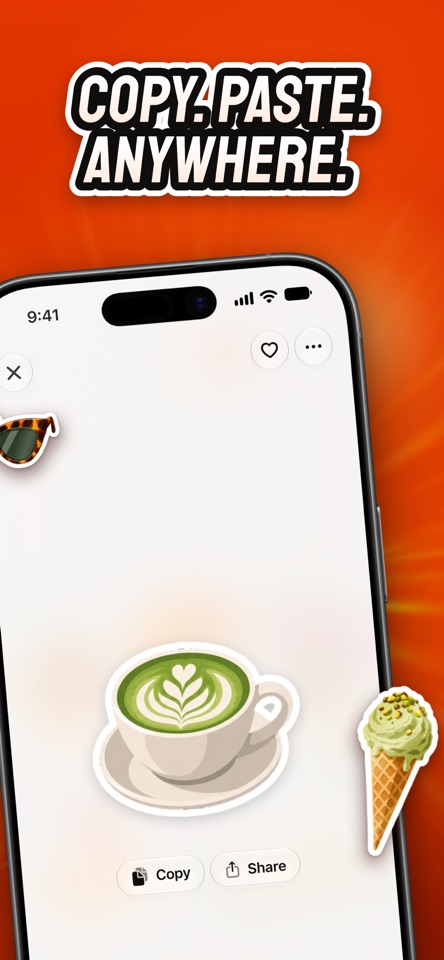
Turn any photo into a whole pack of stickers. Pick a photo — a lunch with a view, your dog, last weekend's trip — and Snipster redraws it as a set of bold, die-cut stickers, each cut out cleanly with its own white border. One photo becomes a whole pack. STICK THEM ANYWHERE • Send them from the sticker drawer in Messages • Drag a sticker straight into any chat or app • Copy one and paste it wherever you're typing • Share a sticker on its own, or the whole pack as one card SMART SUGGESTIONS Not sure which photo to use? Snipster looks through your library on your device and suggests the ones that would make great stickers: pets, people, food and the things you love. It skips the ones that wouldn't, like screenshots and wide landscapes. YOUR COLLECTION Every pack is saved in your library, named for you and ready to reuse. Favourite the best ones and flip through them any time. NO SIGN-UP Start making stickers the moment you open the app. There's no email and no password. You can sign in with Apple if you want your plan on another device. PRIVATE BY DESIGN Suggestions are worked out on your device. A photo only leaves your phone when you ask for a pack, and only that photo. FREE AND PLUS Snipster is free to try, with a few packs each month. Snipster Plus is an optional subscription with a much bigger monthly allowance. Payment is charged to your Apple Account when you confirm the purchase. Subscriptions renew automatically unless cancelled at least 24 hours before the end of the current period. You can manage or cancel them in your Apple Account settings. Terms of Use: https://www.apple.com/legal/internet-services/itunes/dev/stdeula/ Privacy Policy: https://snipster.app/privacy


