Fresh from Shipaton

Scene Drafter
You don’t have to draw to show what you have in mind.
Loading activity…
2026Shipaton
CategoryGraphics & Design
DeveloperQuartet Labo LLC.
Mac


About this app
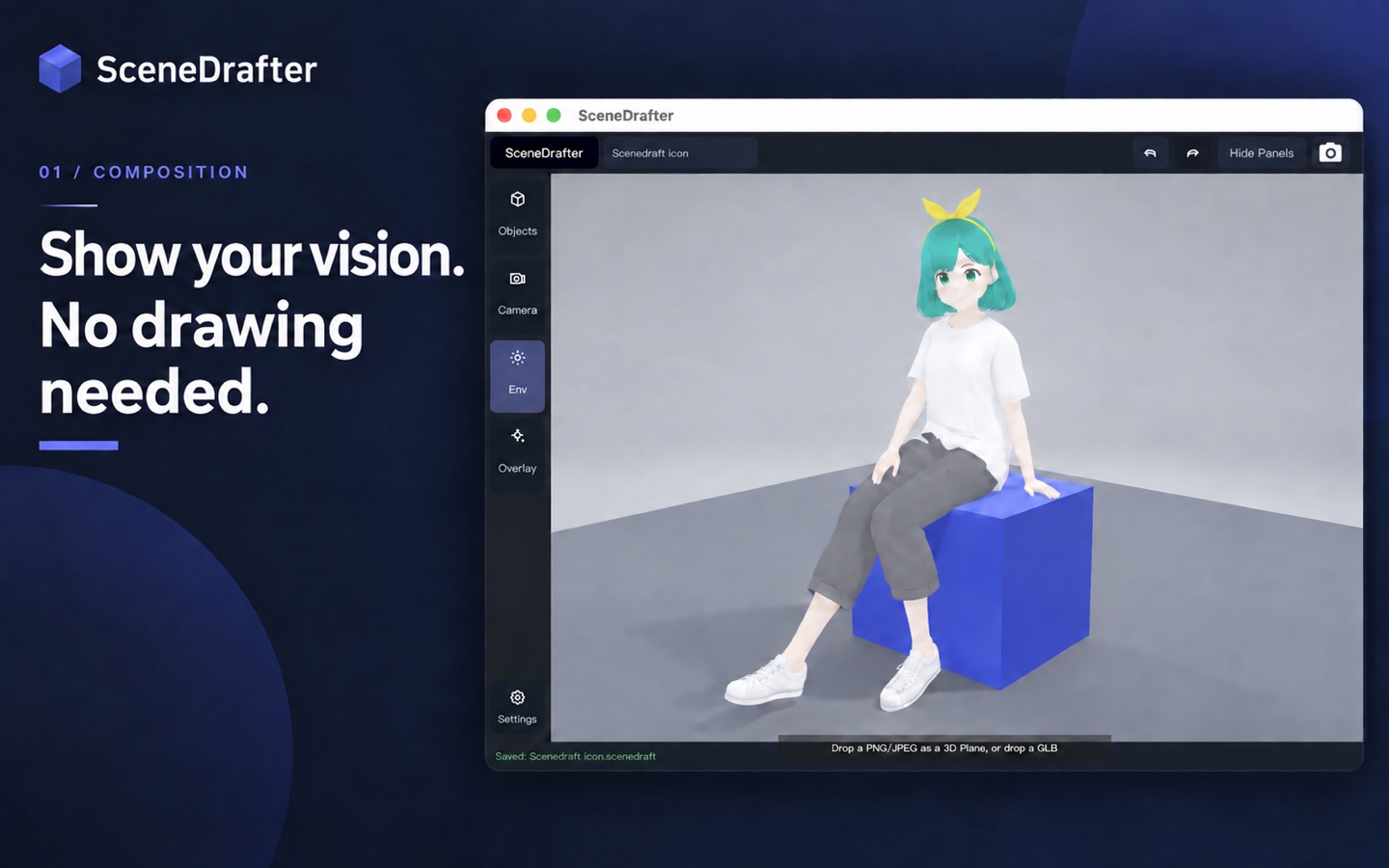
You don’t have to draw to show what you have in mind. SceneDrafter is a Mac app that helps you build your ideas in 3D and turn them into visual references for storyboards, creative briefs, and rough sketches. “Place the character here.” “Show the scene from this angle.” “Leave more space in the background.” Make these ideas visible through character placement, poses, and camera angles. Use SceneDrafter to communicate an illustration commission, plan a video shot, or explore a thumbnail composition before production begins. BUILD YOUR COMPOSITION Arrange a sample character, props, a floor, and a wall. Adjust their position, rotation, and size to explore the balance of your scene. You can also create scenes without characters. FIND THE RIGHT POSE AND ANGLE Start with pose presets, then adjust the camera angle and distance. Change the background color and lighting to find the look that communicates your idea. BRING YOUR OWN CHARACTERS Import your own VRM avatars and place them in your scene. Supports VRM 0.x and 1.0. SAVE AND REFINE Save your scene as a project and return to it later. Keep adjusting the arrangement and camera until the composition matches your vision. EXPORT AND SHARE Export your composition as a PNG or JPEG image. Share it through your usual email or messaging app to help others understand what you have in mind. FREE FEATURES • Create scenes with up to 1 character and 20 total objects per scene • Import your own VRM avatars and images • Save and reopen projects for editing • Export watermark-free PNG and JPEG images up to 1920 pixels on the long edge • No limits on the number of projects or saves The object count includes characters, props, and any floor or wall present in the scene. Hidden objects also count toward the limit. SCENEDRAFTER PRO An optional monthly or annual subscription gives you more room for larger compositions and higher-resolution images. • Place multiple characters in a scene • Remove the fixed character and total object limits • Export high-resolution PNG and JPEG images at 3840 pixels on the long edge Scene capacity depends on your Mac’s performance and the assets you use. When Pro access ends, projects exceeding the free limits become read-only. Pro is required to edit or save those projects, but you can still view them and export images at the free resolution. Projects within the free limits remain editable. Pro is an auto-renewable subscription. See the in-app purchase screen for pricing and subscription periods. LANGUAGE The app interface is in English. Terms of Use (EULA): https://www.apple.com/legal/internet-services/itunes/dev/stdeula/ Privacy Policy: https://scenedrafter.pages.dev/privacy/


