Fresh from Shipaton

2026Shipaton
CategoryProductivity
DeveloperRadomir Drndarski
iPhone · iPad



About this app
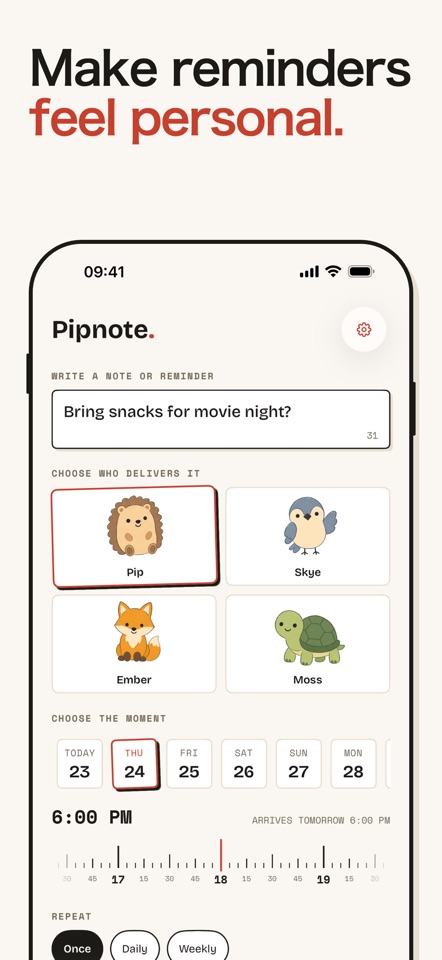
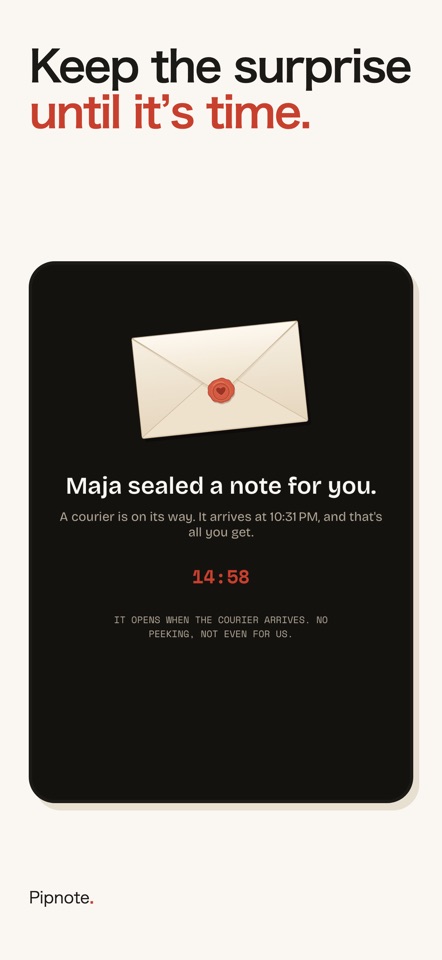
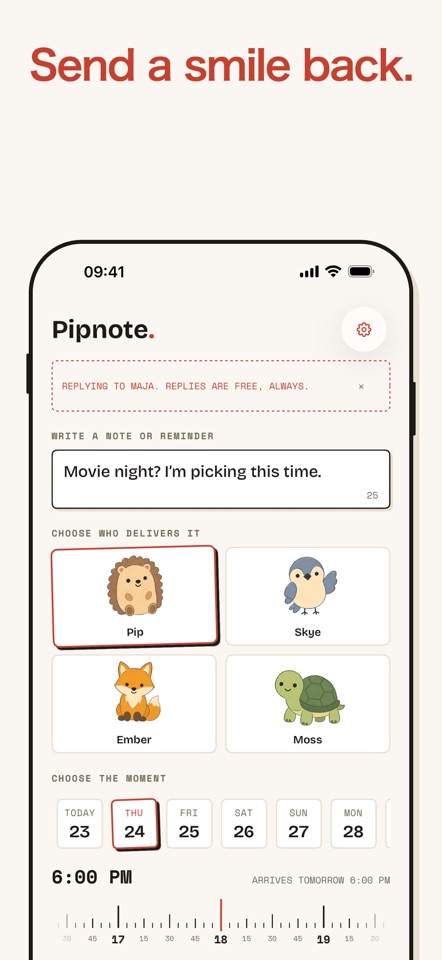
You can set a reminder for yourself. You cannot set one for your partner. Pipnote fixes that. Write a short note, pick a creature, pick a moment. It lands on their phone at exactly that moment, carried into the Dynamic Island by a small animal that is very serious about its job. Think carrier pigeon, except it is a hedgehog, and it turns up at eight on a Tuesday to say the bins need to go out. WHY A CREATURE Reminding someone you love is socially awkward. Ask twice and you are nagging. Ask nicely and you are still the person who has to remember everything. A hedgehog turning up to mention the dentist is not nagging. It is a small kindness with a face. That is the entire point of this app. HOW IT WORKS 1. Write it. 60 characters. "Bins go out tonight." "You've got this." 2. Choose who carries it and when it arrives. 3. Keep it for yourself, or send it. Sent notes travel as a link through your own Messages, so nobody signs up for anything. When a note is sent, it stays sealed. They see that something is coming and when, never what. The creature does the reveal. WHAT PEOPLE USE IT FOR Vitamins at eight. Bins on Tuesday. "Leave now or you'll miss the train." "Ring your mum, it's been three weeks." "Good luck today, I mean it." Small things, on time, from someone who was thinking about you. FREE Pip, the hedgehog. One note waiting at a time. Three sends a week. Replies are always free, so a conversation never hits a wall. A little bit of ads for other indie apps. PIPNOTE PRO All four couriers: Pip, Skye, Ember and Moss. Twenty-five notes queued at once. Snooze anything. Daily and weekly repeats for the notes you keep for yourself. Your full archive of everything anyone ever sent you. And no ad cards for other apps. THE HONEST BIT Pipnote works with the Dynamic Island on iPhone 14 Pro and later. On every other iPhone your creature arrives on the Lock Screen instead, which is the same note and almost the same magic. No account. No password. Nothing leaves your phone except the notes you choose to send, and those go through Messages, not through us. Terms of Use: https://pipnote.app/terms Apple End User License Agreement: https://www.apple.com/legal/internet-services/itunes/dev/stdeula/


