Fresh from Shipaton

Overlay Expert
Turn your iPhone into a capture card and make your console streams look professional…
Loading activity…
2026Shipaton
CategoryPhoto & Video
DeveloperOverlay Expert Inc
iPhone · iPad · Android

About this app
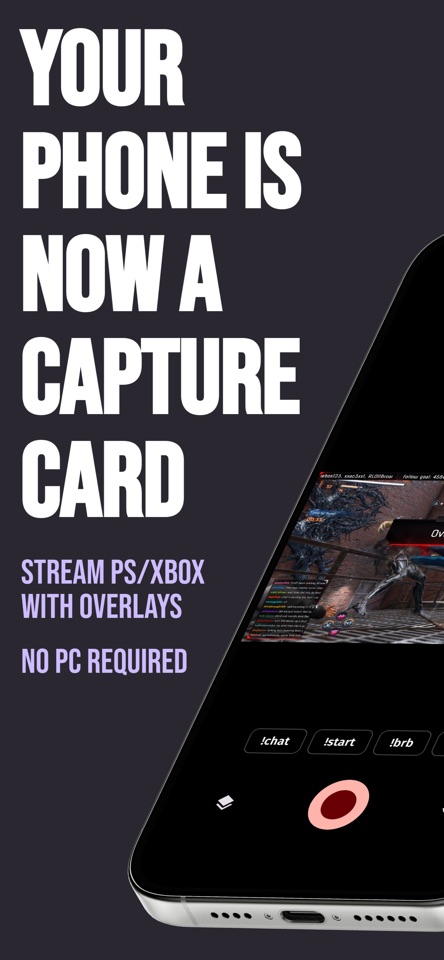
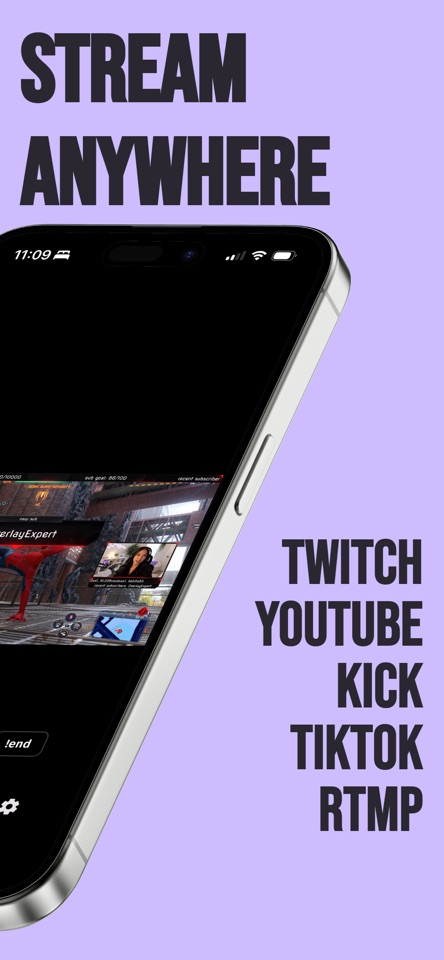
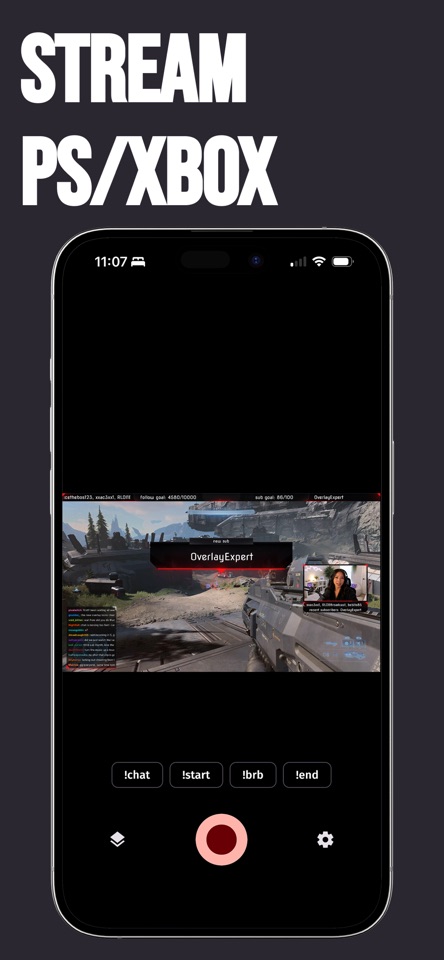
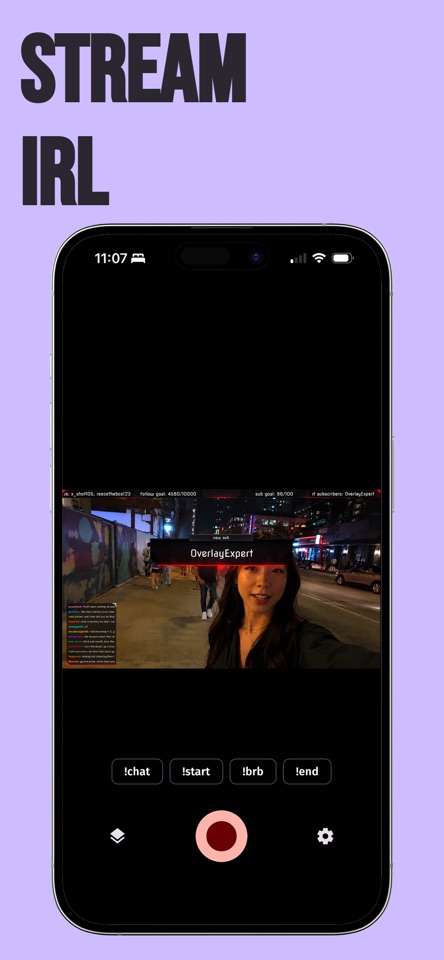
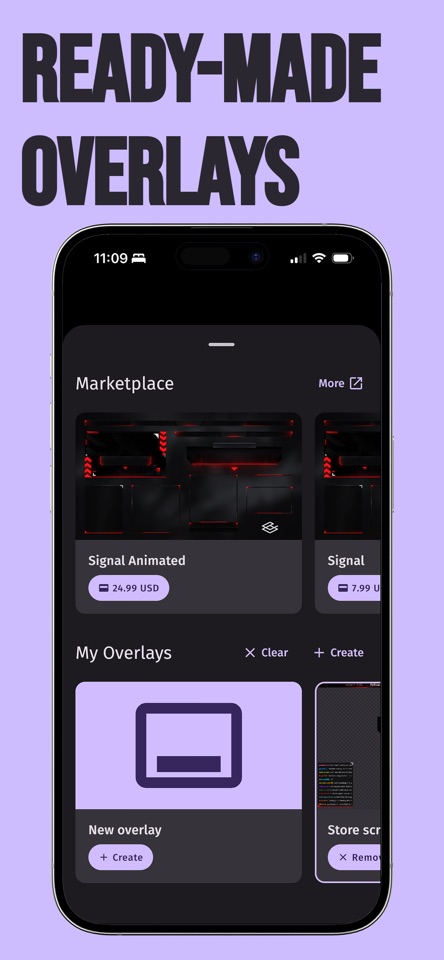
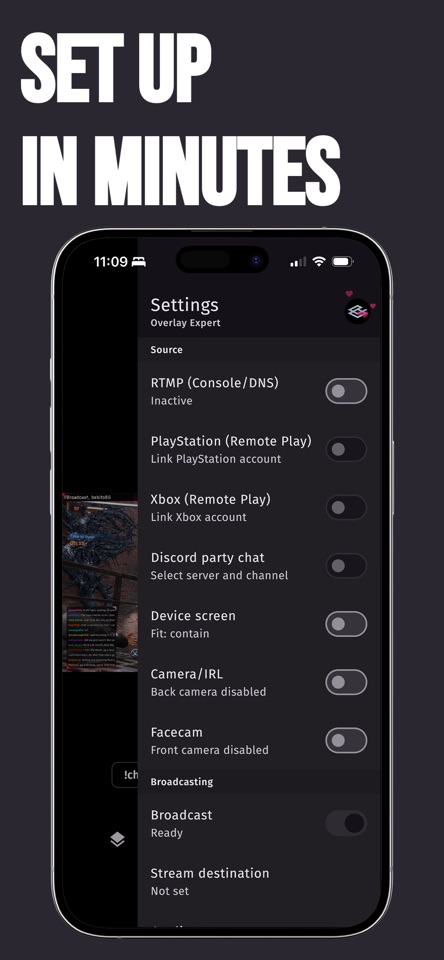
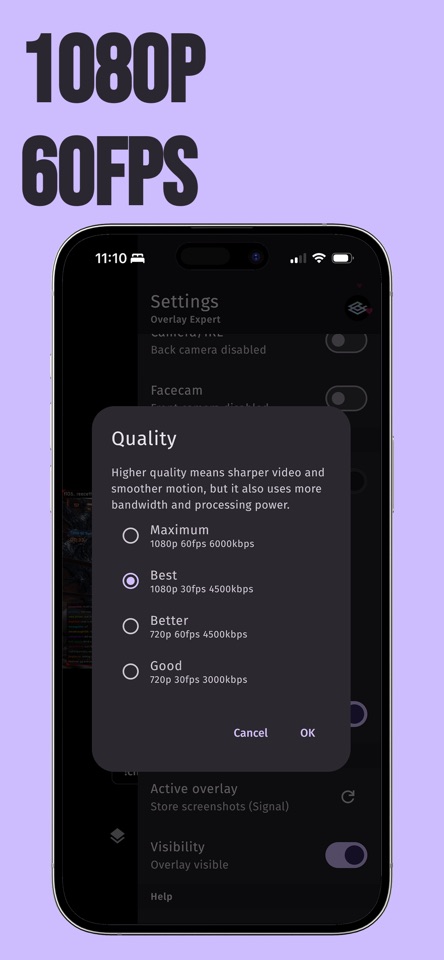
Turn your iPhone into a capture card and make your console streams look professional with Overlay Expert, the easiest way to add polished overlays and on-screen branding to your PlayStation or Xbox stream. It's not just for consoles: go live IRL with the same overlays and alerts, straight from your iPhone. KEY BENEFITS • Free to stream. Broadcast your console through the app to Twitch, YouTube, TikTok or Kick in 1080p at 60 FPS. No capture card needed. • Stream more than your console. Go live IRL from your iPhone camera, with the same overlays and alerts. • Talk with your party on stream. Join your Discord voice channel from the app and mix party chat straight into your broadcast. • Boost engagement. Overlays and animated alerts draw attention and keep viewers interacting. • Strengthen your brand. Consistent on-screen logos and graphics make your channel memorable. • Save setup time. Get a pro look in seconds, no design skills required. HOW IT WORKS 1. For console streams, connect your console and iPhone to the same Wi-Fi network. For PlayStation, use PlayStation Remote Play or our dedicated DNS server. For Xbox, use Remote Play. 2. Open Overlay Expert, choose your overlay, and go live. For console, your game stream appears on your iPhone; for IRL, use the front or back camera. 3. Broadcast to Twitch, YouTube, TikTok or Kick with your overlay live on stream. FEATURES • PlayStation Remote Play and DNS connection options, so you can pick whatever works best for your setup. • Xbox Remote Play support. • IRL streaming from your iPhone camera, with overlays and alerts. • Discord party voice chat. Link your Discord account, join a voice channel, and hear and talk with your party while you stream, with party audio mixed into your broadcast. • Stream in 1080p at 60 FPS to Twitch, YouTube, TikTok and Kick. • Customizable overlays, logos and on-screen graphics. • Animated alerts to drive viewer interaction. • Fast, no-PC setup so you can go live straight from your iPhone. FREE AND SUBSCRIPTION OPTIONS Overlay Expert is free to download and stream, with an on-stream watermark. Optional monthly subscriptions unlock more: • Remove the on-stream watermark. • Add custom browser sources to bring overlays from tools like Streamlabs and StreamElements onto your console stream, no PC needed. Subscriptions renew automatically each month unless cancelled in your App Store account settings. Terms of use: https://overlay.expert/terms-of-use. Privacy policy: https://overlay.expert/privacy-policy. WHO IT'S FOR Overlay Expert is built for console gamers on PlayStation and Xbox who want a professional on-screen presence without a capture card, a PC, or hours of setup, plus IRL streamers who want the same polished look from their iPhone.


