Fresh from Shipaton

Glassy Desk
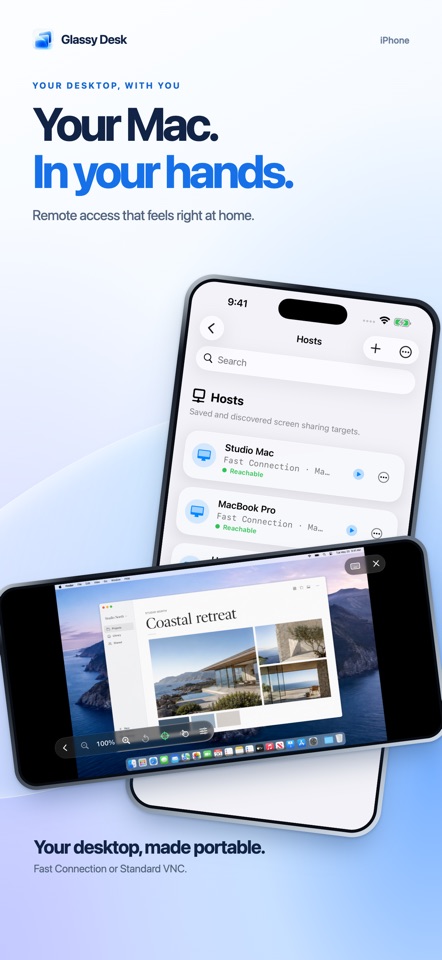
Control your Mac from your iPhone or iPad with fast, direct remote access.
Loading activity…
2026Shipaton
CategoryUtilities
DeveloperFernando Bunn
iPhone


About this app
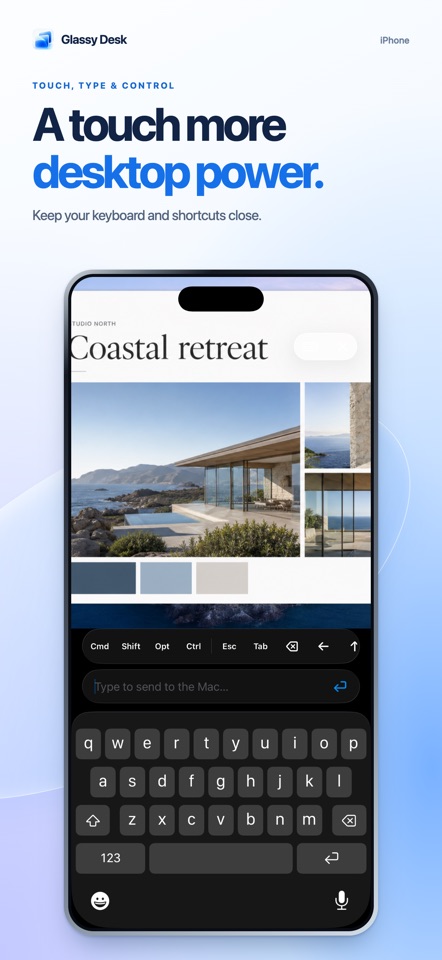
Control your Mac from your iPhone or iPad with fast, direct remote access. Glassy Desk supports standard macOS Screen Sharing over VNC and the faster, encrypted Glassy Stream through the Glassy Host companion app. CONNECT YOUR WAY • Discover nearby Macs automatically • Add a Mac by hostname or IP address • Use VNC for standard Screen Sharing • Use Glassy Stream for smooth, low-latency video and input • Connect locally or through a trusted VPN such as Tailscale • Wake supported Macs with Wake-on-LAN • Automatically reconnect after short network interruptions NATURAL CONTROLS • Choose direct touch or trackpad mode • Tap, drag, right-click, scroll, and pinch to zoom • Type with the on-screen keyboard or a hardware keyboard • Send Command, Control, Option, Shift, arrow, function, and common shortcut keys • Select a remote display when multiple screens are available • Use an external display while your iPhone or iPad becomes the controller PRIVATE BY DESIGN Connections go directly to the computer you choose—there is no cloud relay. Saved computers and recent sessions sync through your private iCloud database. Credentials are protected with encrypted storage and used only to authenticate with your computer. COMPATIBILITY VNC is designed and tested with macOS Screen Sharing and Remote Management; other standards-based VNC servers may work. Glassy Stream requires the Glassy Host companion app on the Mac. Remote access requires a network or VPN route to the Mac. Free sessions are timed. Glassy Desk Pro removes the session limit. EULA: https://www.apple.com/legal/internet-services/itunes/dev/stdeula/


