Fresh from Shipaton

GameDrop - Gaming bucket list
GameDrop - Drop, Track & Share Games
Loading activity…
2026Shipaton
CategoryEntertainment
DeveloperAK DEEPANKAR
iPhone · iPad





About this app
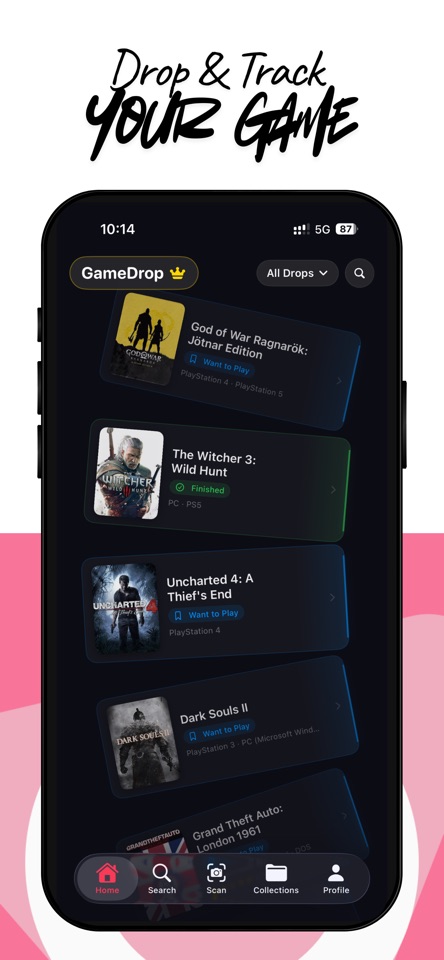
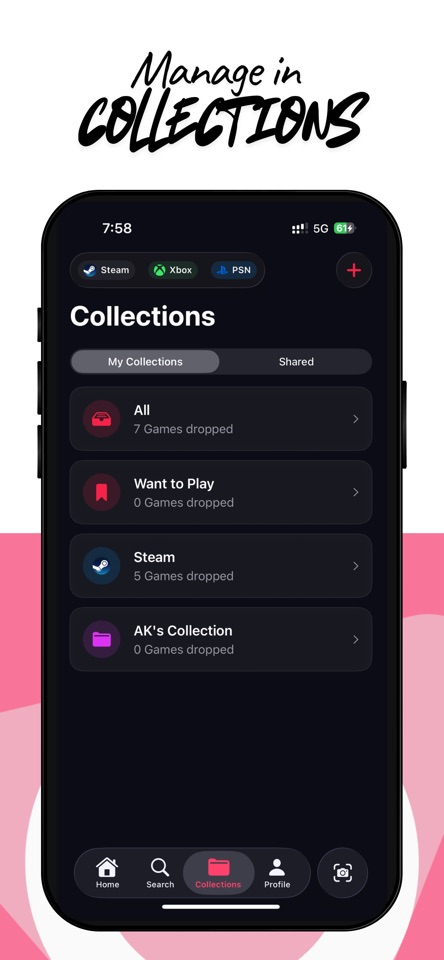
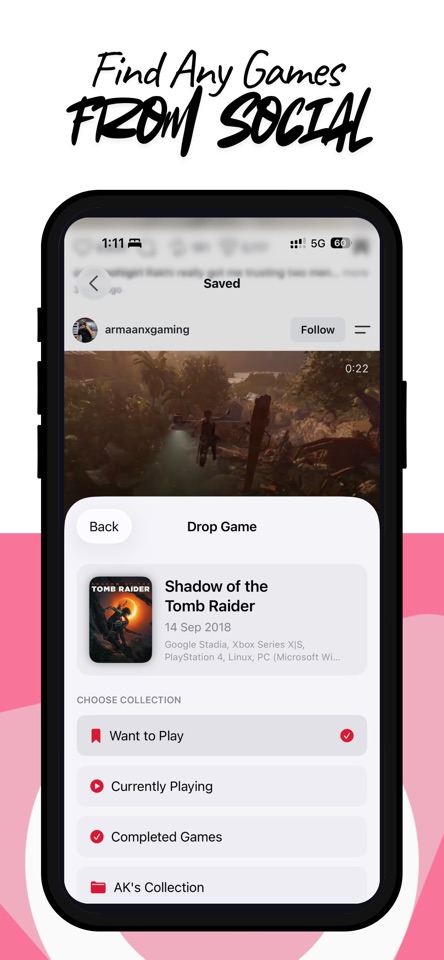
GameDrop - Drop, Track & Share Games Never lose track of a game again. GameDrop is a simple and fast way to save, organize, and track the games you want to play. Find a game on Instagram, YouTube, TikTok, or anywhere on the web? Share the link to GameDrop and it detects the game, including its cover, platforms, genres, release date, and more. • Drop Games in Seconds Share a link to GameDrop from any app. GameDrop scans the content and detects the game automatically. No typing. No searching. Just drop it. • Import Steam, XBOX and PS Library Connect your game account to automatically import all your owned Steam, xBox and PS games directly into your GameDrop collections. • Organize Your Backlog Keep games organized as Want to Play, Playing, Finished, or Dropped. Create custom collections for genres, platforms, favorites, or anything you want. • Game Details See cover art, release date, platforms, genres, and game summaries powered by IGDB. Add your own rating out of 10 and keep the original link where you discovered the game. • Choose Your Card Style Customize your library with three card styles - Dial, Cartridge, and Vintage Cassette. • Custom Gamer Card & Socials Generate a shareable 3D Gamer Card displaying your rank and level. Link your Instagram, TikTok, YouTube, Steam, Twitch, PSN, or Xbox profiles. • Share Collections Share collections with friends using AirDrop or the iOS share sheet. Friends with GameDrop can import the collection directly into their library. • Search & Discover Games Search the IGDB catalog, explore 24-hour Steam peak player trends, Twitch stats, and live news to quickly drop games into your backlog. • Light & Dark Mode GameDrop supports both light and dark mode and automatically follows your system settings. • GameDrop Pro Free users can drop up to 20 games. Upgrade to GameDrop Pro for unlimited drops and premium features. Terms of Use: https://www.apple.com/legal/internet-services/itunes/dev/stdeula/


