Fresh from Shipaton

2026Shipaton
CategoryProductivity
DeveloperMoon Shard Ltd
iPhone · iPad



About this app
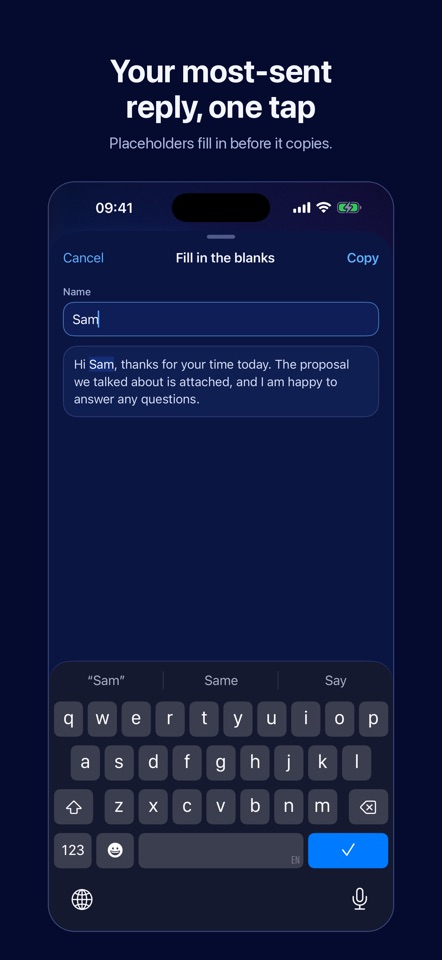
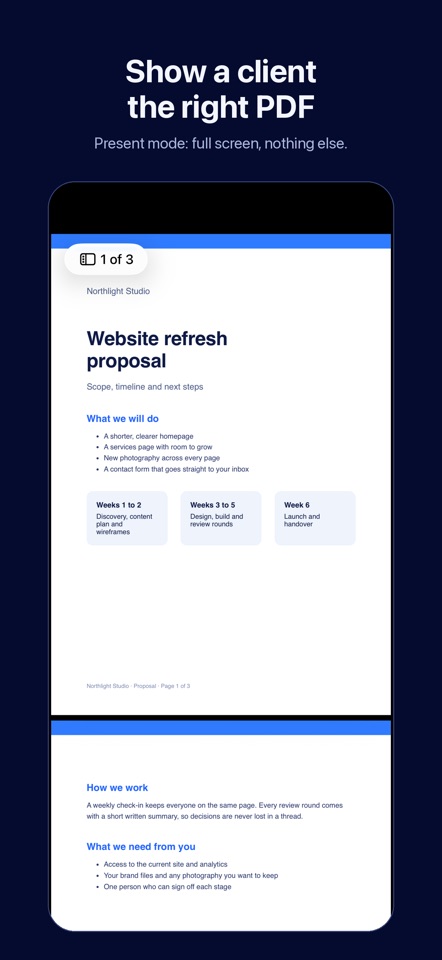
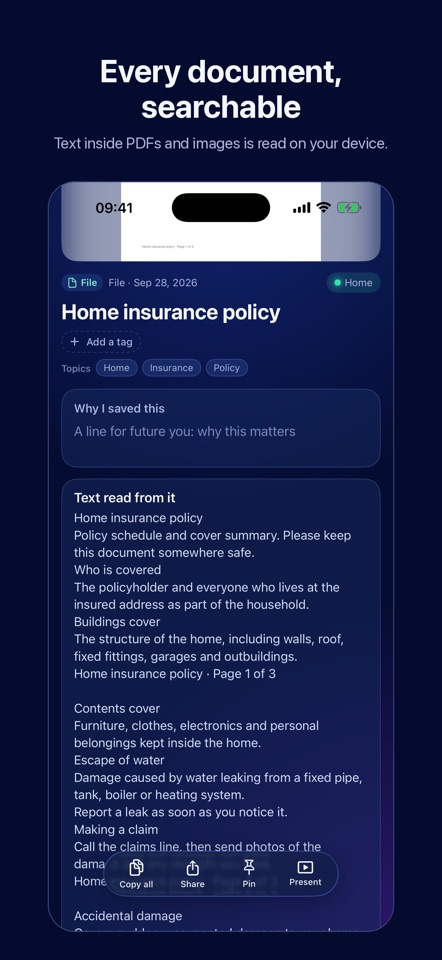
You saved it somewhere. The reply you send every week. The PDF a client asks to see. Your address, your VAT number, the passport number you type twice a month. The talk you meant to come back to. When you need it, it is buried in an email, a chat, your camera roll or a folder you forgot. Clarity keeps the things you save in one place and gives them back in a tap. COPY WHAT YOU REUSE • Tap a card, then Copy, and the text is on your clipboard. • Blanks: write {name} or {date} in a note and Clarity asks for the value before it copies. SHOW A DOCUMENT • Import PDFs and other files from Files, the share sheet, or drag and drop on iPad. • Preview any format with Quick Look, or share it on. • Present fills the screen with the document and nothing else, so you can turn your iPad to a client and swipe through the pages. • Clarity reads the text inside your documents on your device, so a phrase from page 12 finds the file. FIND THE THING YOU HALF REMEMBER • Search the way you remember it: "the dentist invoice", "that talk about sleep". Results that are close in meaning show up too, not only exact words. • Every result says why it matched. • Text inside images is read on your device, so screenshots of receipts, slides and notes are searchable. SAVE FROM ANY APP • Share a link, image or file to Clarity from Safari, Mail, Photos or any app with a share button. • Hold + and talk. Voice notes are transcribed on your device, and a tap on any word plays the recording from there. • Saved links open back in the app they came from. SEE HOW IT FITS TOGETHER • Your saves sit on a canvas, coloured by the area of life they belong to and connected to related saves. MADE FOR IPHONE AND IPAD • Shortcuts actions: Copy Snippet, Find in Clarity and Save to Clarity. Run them from the Shortcuts app or with Siri. • Home Screen widgets copy a saved note in one tap. • On iPad, keep Clarity in Slide Over next to Mail, or side by side with any app, in any orientation. YOURS, ON YOUR DEVICE • Everything you save is stored on your device. There is no account to create. • Signed in to iCloud, your library syncs between your devices through your own private iCloud. • Export everything at any time, including as an Obsidian vault. WHAT IS FREE AND WHAT COSTS EXTRA • Your first 100 saves and 20 AI summaries are free, and every feature works within them. • Clarity Plus is an optional yearly subscription at £7.99 a year, or the equivalent price in your country. It lifts the save limit and adds 150 AI summaries a month. • The subscription renews automatically every year until you cancel. Cancel at least 24 hours before the renewal date in Settings > Apple Account > Subscriptions. Payment is charged to your Apple Account. • Searching, copying, presenting, exporting and deleting never need Clarity Plus. • Optional AI summaries of saved links are off until you turn them on. Clarity asks first, then sends the link to our server, where Google's Gemini writes the summary. 20 summaries are free, and Clarity Plus includes 150 a month. Questions or problems: clarity@moonshard.co Terms of Use: https://www.apple.com/legal/internet-services/itunes/dev/stdeula/ Privacy: https://clarity.moonshard.co/privacy


