Fresh from Shipaton

2026Shipaton
CategoryProductivity
DeveloperSardorbek Rakhimov
Mac




About this app
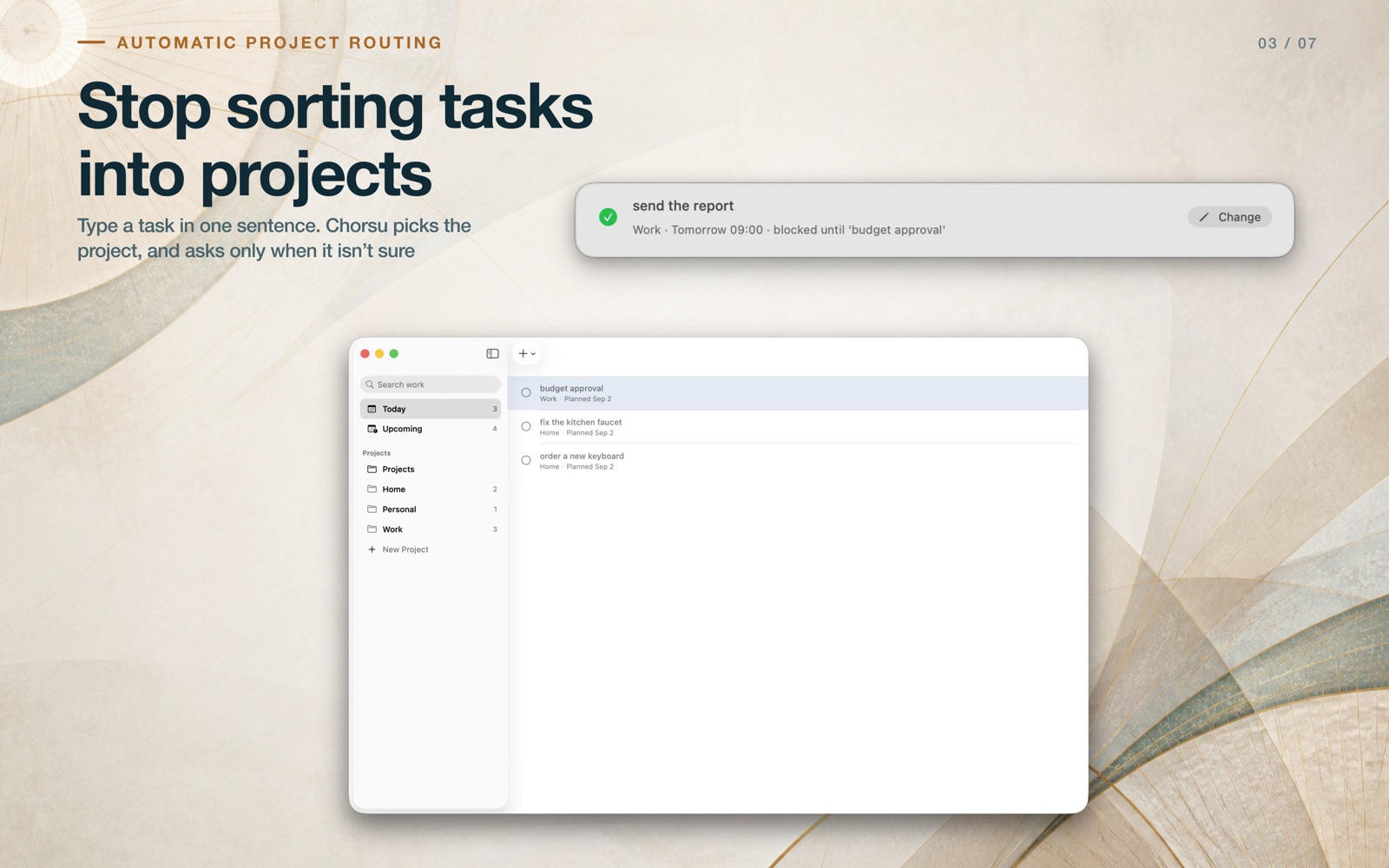
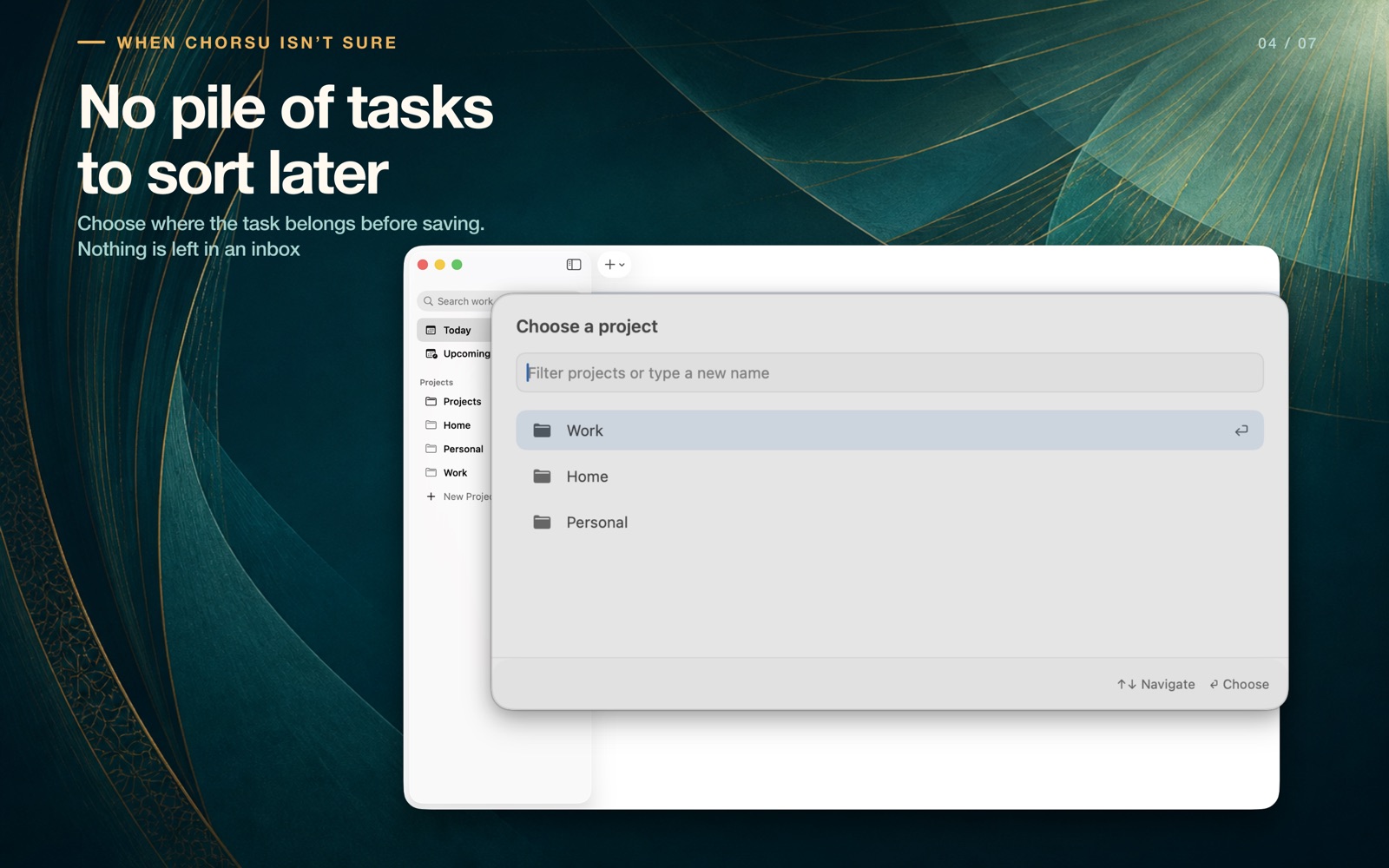
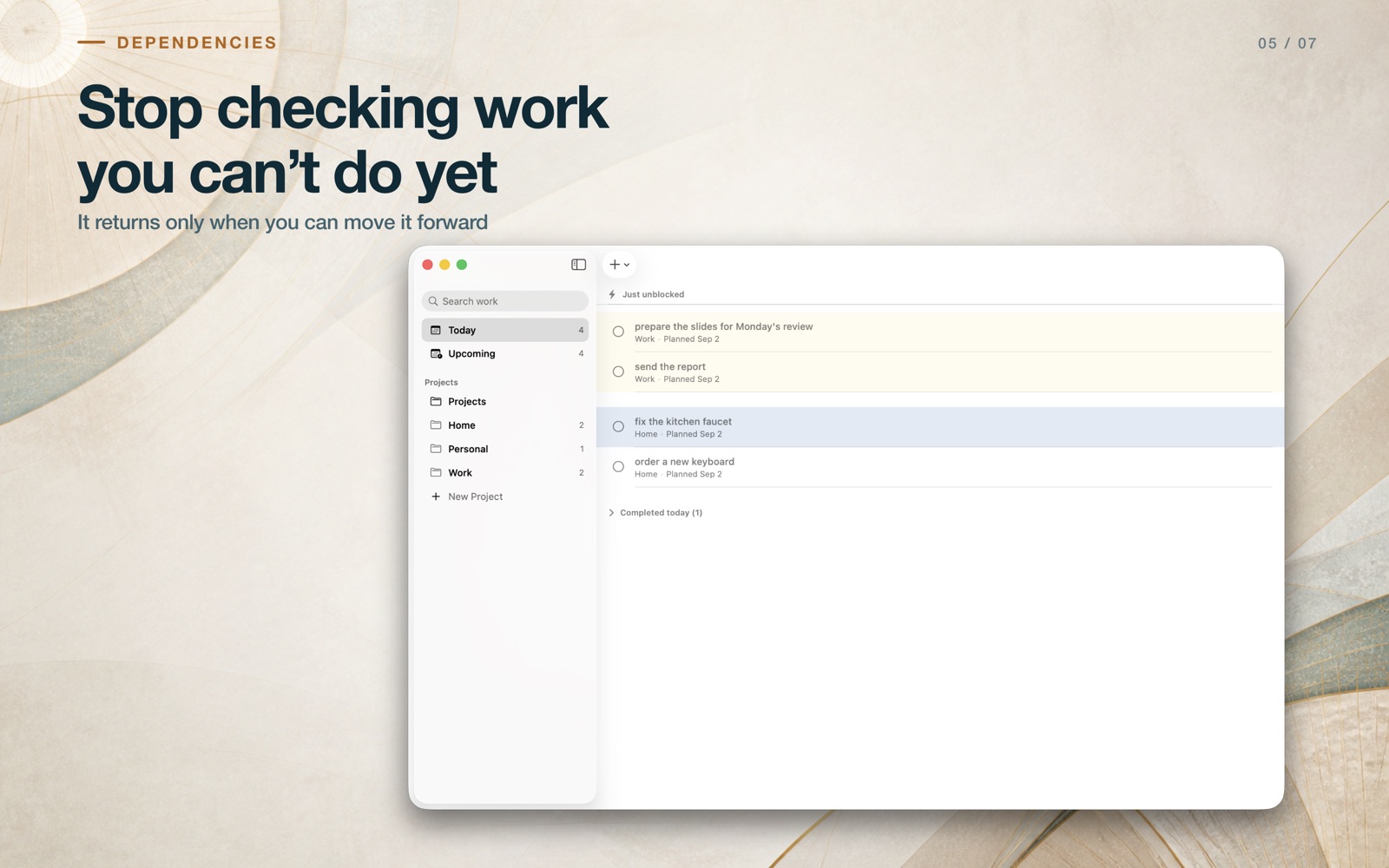
Writing a task down is the easy part. Sorting it later is the part that never happens. Chorsu does the sorting at capture time. Press your global shortcut from any app, type one task in plain English, and keep moving. When the routing evidence is clear, Chorsu files the task to the right project on its own. When it isn't, a short project chooser opens before the capture closes. Nothing is left half-sorted, and there is no inbox waiting for you at the end of the week. REMEMBER IT AT THE RIGHT TIME Write “review the release tomorrow at 9” and Chorsu schedules a local reminder on this Mac. The resolved day and time appear in the confirmation, so you can correct a misread before you move on. STOP CHECKING WORK YOU CAN'T DO YET Write “publish the results after Submit sprint.” Chorsu keeps that task out of Today while it is blocked. Finish what it depends on and the task returns to Today. With notifications enabled, Chorsu lets you know once. FINISH WITHOUT BREAKING FLOW Complete tasks from Today, the menu bar, a notification, or the keyboard. The main view stays simple: Today, Upcoming, and Projects. PRIVATE BY DEFAULT Your tasks are stored on this Mac. There is no Chorsu account to create and no API key to paste. With default settings, capture and routing make no network requests and work without any model at all. Chorsu can optionally use Apple's on-device Foundation Models, where your Mac supports them, to improve routing. Capture never waits on a model and never fails because one is unavailable. CHORSU HELPS YOU • Capture one task from any app with a configurable shortcut • File it to a project without a cleanup inbox • Turn plain-English times into local reminders • Keep blocked work out of Today until it is actionable • Correct uncertain routing before the capture closes • Complete work from Today, the menu bar, notifications, or the keyboard Requires macOS 26 or later on Apple silicon. Natural-language parsing is English-only in version 1.0.


