Fresh from Shipaton

Axlyne: AI OBD2 Car Scanner
Plug in an ELM327 adapter and read the codes your car reports.
Loading activity…
2026Shipaton
CategoryUtilities
DeveloperOmniscient Labs LLC
iPhone · iPad


About this app
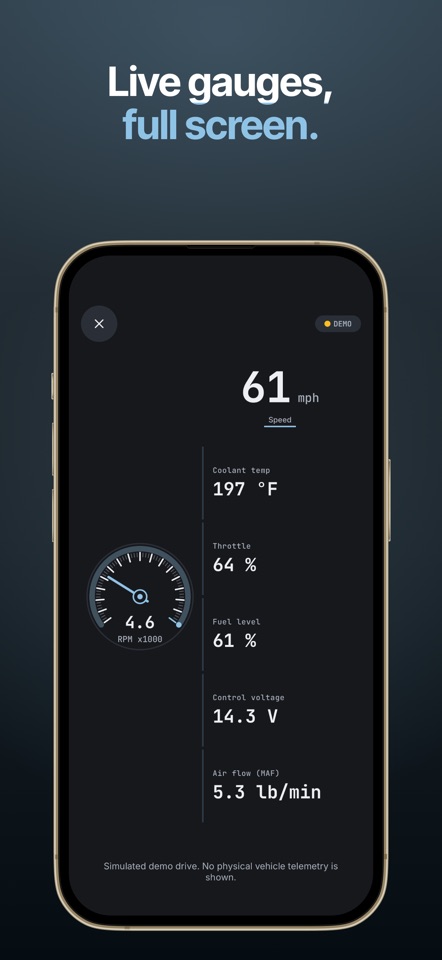
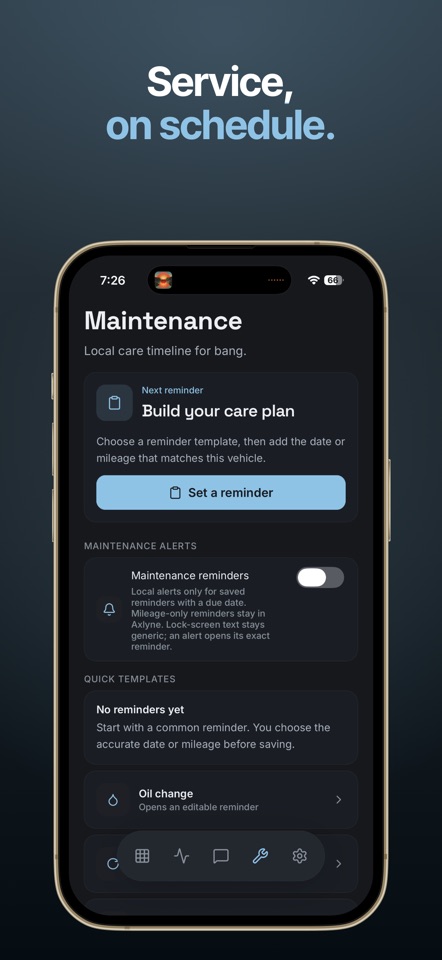
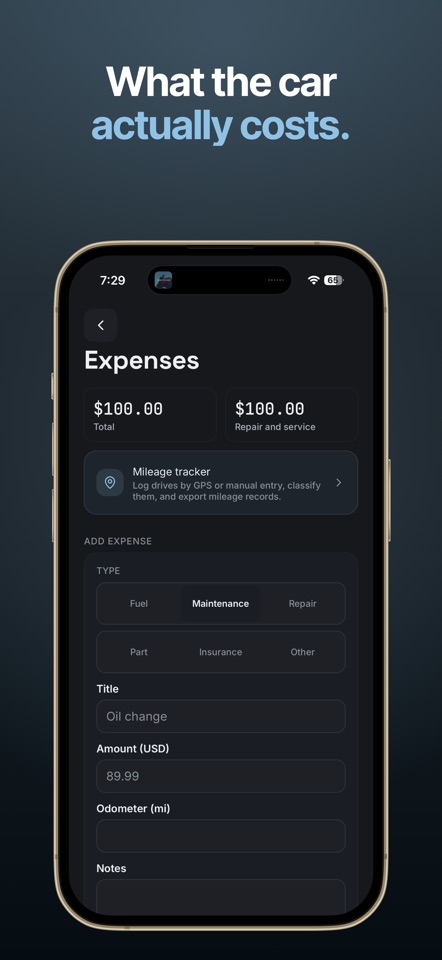
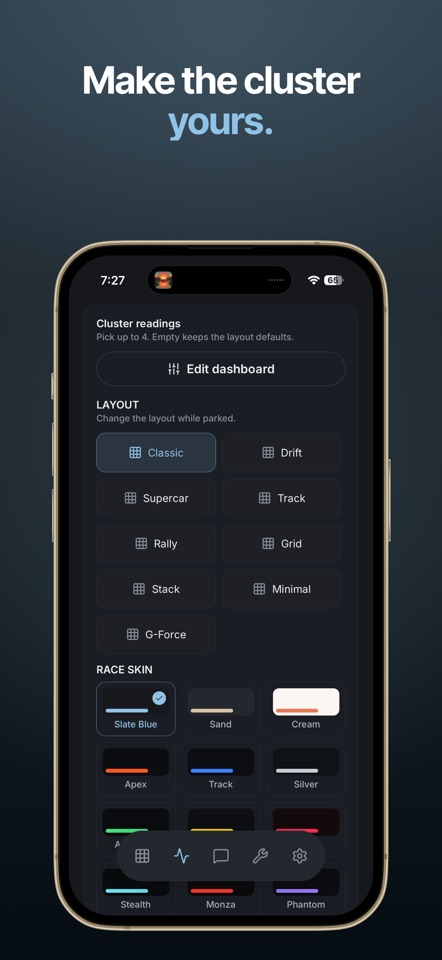
Plug in an ELM327 adapter and read the codes your car reports. Scanning is free, works with no signal, and needs no account. NO SIGNAL, NO ACCOUNT Scanning runs between your phone and the adapter. Your scans, vehicles, and reports are kept on this device, so a garage with no bars changes nothing. You do not need an account to scan, and you do not need one to subscribe. CODES FROM YOUR CAR, NOT FROM A GUESS Axlyne records what the vehicle reported and rebuilds every report from that saved evidence, down to the status and the scan time. Ask Axlyne AI about saved cars and scans with your separate consent. WHAT AXLYNE DOES - Record stored, pending, and permanent diagnostic trouble codes reported by the vehicle. - Status, system, and scan time stay together. - A connected adapter can show supported read-only Mode 01 readings in HUD, Core metrics, Performance and the dashboard before any scan. They are marked not yet matched to your car until a VIN-bound scan. - Live values appear only for the current verified connection and are not saved in scans or reports. Supported PIDs and update cadence vary by vehicle, protocol, and adapter. Set up Axlyne while parked and do not interact with it while driving. - Track GPS and manual mileage for business or personal drives. - Classify trips and export PDF plus CSV mileage reports for records or professional review. Axlyne does not determine tax eligibility. - Demo mode can run a scan and create clearly labeled simulated scan, code, and report records. Synthetic demo evidence does not verify a physical vehicle, VIN, adapter, code state, or repair condition. Real physical evidence requires a compatible ELM327 adapter and a valid 17-character VIN read from live Mode 09. If the vehicle profile is empty, Axlyne saves that live VIN; if a VIN is already saved, the live VIN must match. - On supported iOS 26 systems, the small Axlyne Status widget may appear in CarPlay Dashboard and shows saved adapter and verified diagnostic status only. HOW IT WORKS 1. Pair a compatible ELM327 OBD2 adapter, sold separately. 2. Run a scan while parked. Axlyne reads a valid 17-character VIN from live Mode 09. If the vehicle profile is empty, Axlyne saves that VIN; if a VIN is already saved, the live VIN must match. 3. Review vehicle-reported codes, reported statuses, and scan timestamps. 4. Export a report or save the next maintenance step. AXLYNE PRO Axlyne Pro includes unlimited vehicles and adapters, scan and mileage exports, and maintenance reminders. With Pro and a free account, Ask Axlyne AI answers questions about saved cars using their year, make, model, engine, saved readings, readiness monitors and reminders, plus general car information. Answers may be inaccurate. Chat needs internet and separate consent. SUBSCRIPTION DETAILS - Monthly plan: billed each month. - Annual plan: billed each year. - Payment is charged to your Apple ID account at purchase confirmation. - The subscription auto-renews until you cancel. Apple charges your account for renewal within 24 hours before the current subscription period ends. To cancel, turn off auto-renewal at least 24 hours before the current subscription period ends. - Manage or cancel in App Store account settings. - Any trial eligibility and price are shown in the app before purchase. Privacy Policy: https://axlyne.com/privacy Terms of Use: https://axlyne.com/terms PLEASE READ BEFORE YOU BUY - Axlyne requires a compatible ELM327 OBD2 adapter, sold separately. - Vehicle support varies by make, model, year, powertrain, region, and adapter. - Customization, coding, actuator tests, and vehicle-setting changes are unavailable in this release. - Axlyne provides diagnostic information. It is not a substitute for professional inspection or repair advice. - Do not interact with Axlyne while driving. Set it up while parked.


